All users
Learn the shared navigation
Understand what lives in the taskbar, what stays in Tool Box, and where each daily workspace belongs.
Screenshots
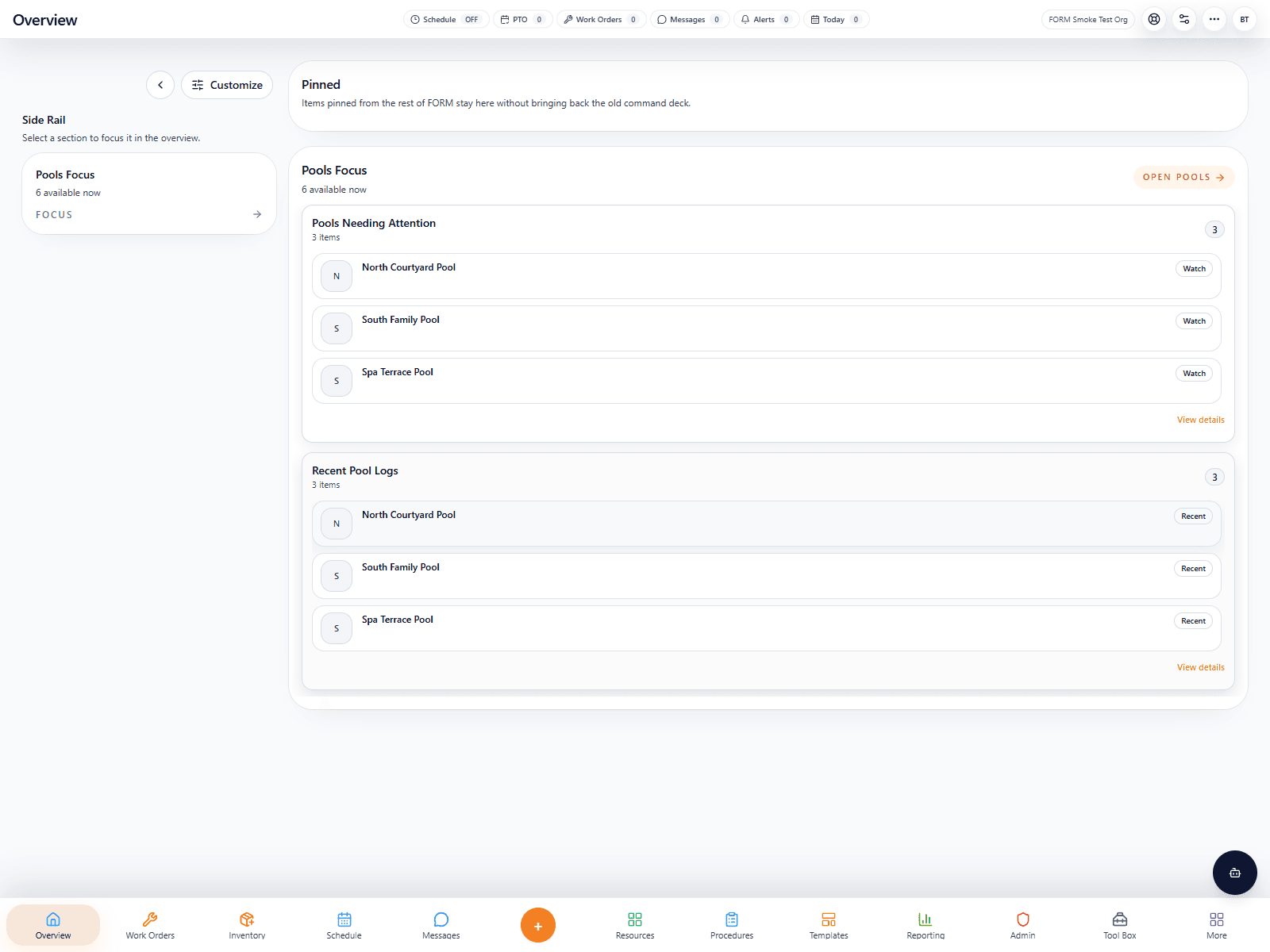
Overview and shared taskbar
This is the real Overview page with the shared taskbar across the bottom. It is the fastest way to teach new users where Work Orders, Inventory, Schedule, Procedures, Reporting, Admin, and Tool Box live.
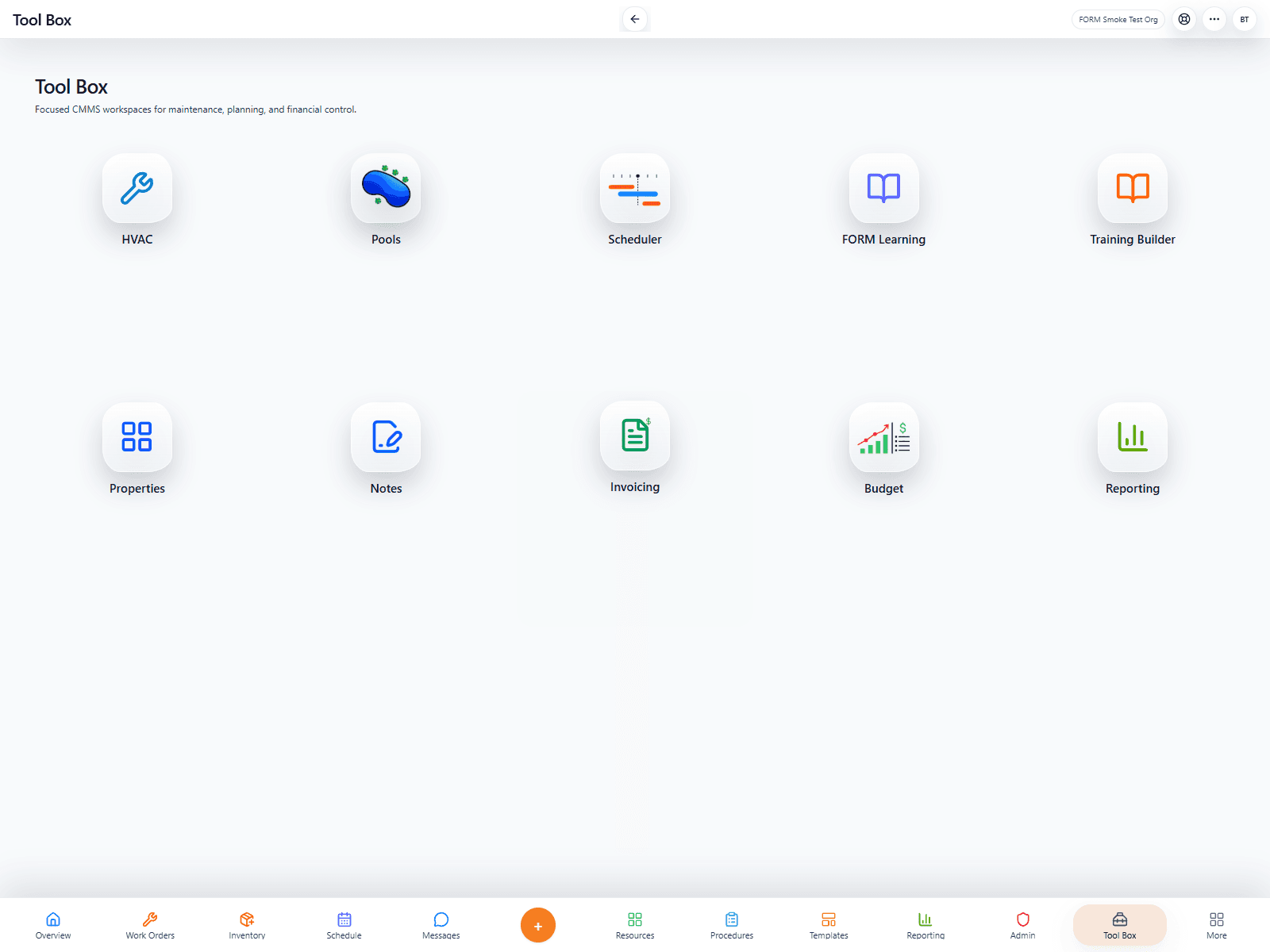
Live Tool Box example
This is the real Tool Box from the smoke-test org. It shows where specialized spaces such as Pools, Properties, Scheduler, Notes, Invoicing, Budget, and FORM Learning live.
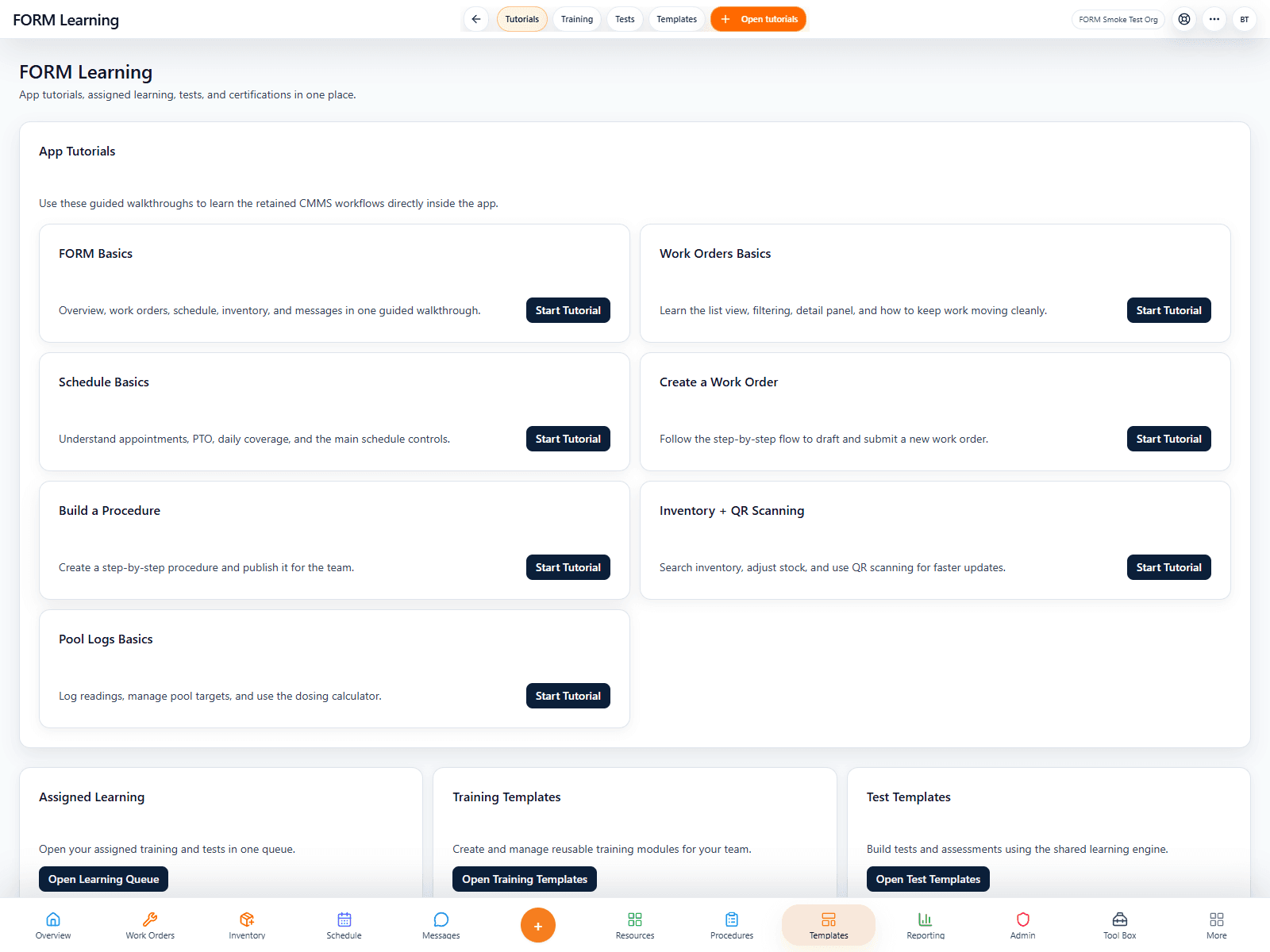
FORM Learning in the live UI
FORM Learning is a normal in-app workspace now, with visible tutorial cards and quick access to assigned learning.
Walkthrough
- 1Use the bottom taskbar for the shared daily destinations: Overview, Work Orders, Schedule, Inventory, Procedures, Reporting, Admin, Tool Box, and the supporting tools that belong with them.
- 2Open Tool Box for specialized spaces such as Pools, HVAC, Properties, Notes, Budgets, Invoicing, and FORM Learning.
- 3Use page-level tabs and panel controls for detail work instead of expecting every action to appear in the taskbar.
- 4Treat the app as one connected CMMS workflow rather than a collection of disconnected mini-products.
Key points
Every user now sees the same base taskbar structure.
The shell is centered on maintenance execution and customer-property operations.
What good looks like
Users can reach daily tools without guesswork.
Admins know where to train staff and where to keep deeper configuration tools.
Avoid
Do not treat Tool Box like a junk drawer for day-to-day work.
Do not build workarounds in Messages or Notes for work that belongs in Work Orders.