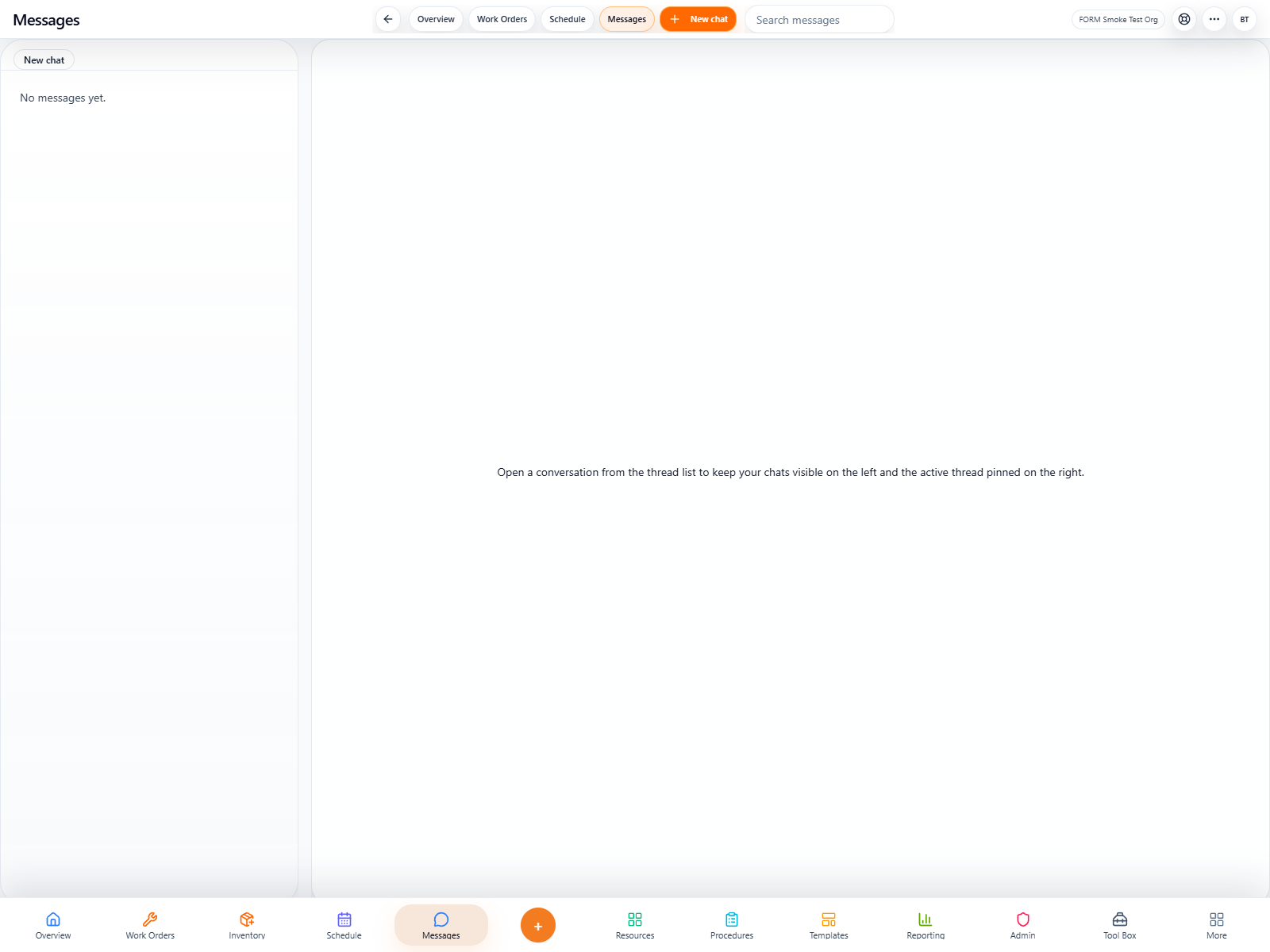
FORM Messages presentation art
Communication

FORM Messages

Operational communication where the work already lives. Messages keeps team conversation closer to the work so updates, questions, and coordination stop getting lost across disconnected apps.

FORM operational tool
/messages
Route
Flagship only
Messages
Operational value
When communication and execution live in separate worlds, context gets dropped and follow-through gets weaker. Messages helps keep the conversation closer to the action.
AI-ready
AI posture
Even today, users benefit from a more unified communication flow inside the operational system.
Operational communication

FORM Messages keeps communication closer to the work so context does not die in another app.

This page should show that Messages is valuable because it keeps updates, questions, and coordination tied to the same operational system where the work already lives.

FORM Messages conversation view
Direct communication

Keep team conversation inside the operational workspace.

Messages gives users a cleaner place for direct communication without leaving the app that already holds the operational context.

FORM Work Orders supporting communication context
Context retention

Reduce the context loss that happens across disconnected apps.

When users bounce between chat apps and work tools, important detail gets dropped. Messages helps keep the conversation closer to the work itself.

FORM Messages coordination view
Coordination

Support quicker problem-solving in the moment.

A unified communication layer helps teams ask, answer, and coordinate faster without fragmenting their day across too many systems.

How teams use it
Messages is about keeping the conversation nearer to the operational truth.
The point is not to become a generic consumer chat app. The point is to help teams communicate where the relevant work, users, and records already exist.
Why it matters

Communication gets weaker when the work is in one place and the conversation about the work is somewhere else.

FORM Messages helps teams stay closer to the operational context so updates, questions, and quick coordination happen with fewer dropped details.

Less context switching.
Better proximity between work and communication.
Cleaner day-to-day coordination.
Communication workspace
FORM Messages main workspace
Who it is for

Messages is most useful for organizations tired of losing context across too many communication tools.

It is a strong fit where teams already know that scattered communication slows response and weakens follow-through.

Frontline teams
01

Coordinate faster without another app switch

Users can communicate in the same environment where the operational record already lives.

Less context switching
Quicker clarification
Cleaner flow
Managers
02

Keep updates closer to the actual work

The system makes it easier to keep discussions nearer to the task, the record, or the team involved.

Better follow-through
Fewer dropped details
More coherent communication
Growing operators
03

Reduce fragmentation before it becomes normal

The earlier a team stops spreading important operational conversation everywhere, the easier it is to keep context later.

Cleaner communication stack
Stronger habits
Better scaling path
Product in action
1 live screen that show how this product actually feels in the field.
1 live screen
We are using captured app screens here so the page feels like a real product launch page, not a placeholder brochure.
Featured view
Primary workspace
Screen 01
FORM Messages screenshot 1
AI in the workflow

The long-term AI value is context-aware operational assistance, not chat gimmicks.

As the wider FORM intelligence layer grows, communication context can help support better memory, faster assistance, and more useful answers across the operation.

Better operational memory.
More context-aware assistance.
A stronger bridge between conversation and execution.
Communication intelligence
FORM Messages context-aware support
More in this lane
Other communication tools that strengthen the same story.
These neighboring tools help buyers understand that FORM is not just one page at a time — it is a coherent system with related workspaces supporting one another.