FORM flagship hero art
Flagship product

FORM is the connected platform for operational reliability and management.

What started as a work order system has grown into a broader platform for execution, labor planning, procedures, training, communication, meetings, reporting, and specialist operational tools.

Flagship platform | Modular expansion | Standalone-ready backbone
Connected platform
Operational backbone
Work orders, schedules, training, logs, procedures, inventory, messages, and meetings built on one system.
Modular
Expansion model
Customers can buy the platform, add deeper tools later, or start through a standalone product and expand over time.
Real operations
Built for
Designed around the workflows of live teams, not around generic software categories.
What FORM brings together

One platform for execution, labor, communication, knowledge, and specialist operations.

FORM is strongest when its workflows work together. Work orders, staffing, procedures, training, meetings, messaging, and specialist tools all benefit from living on the same backbone.

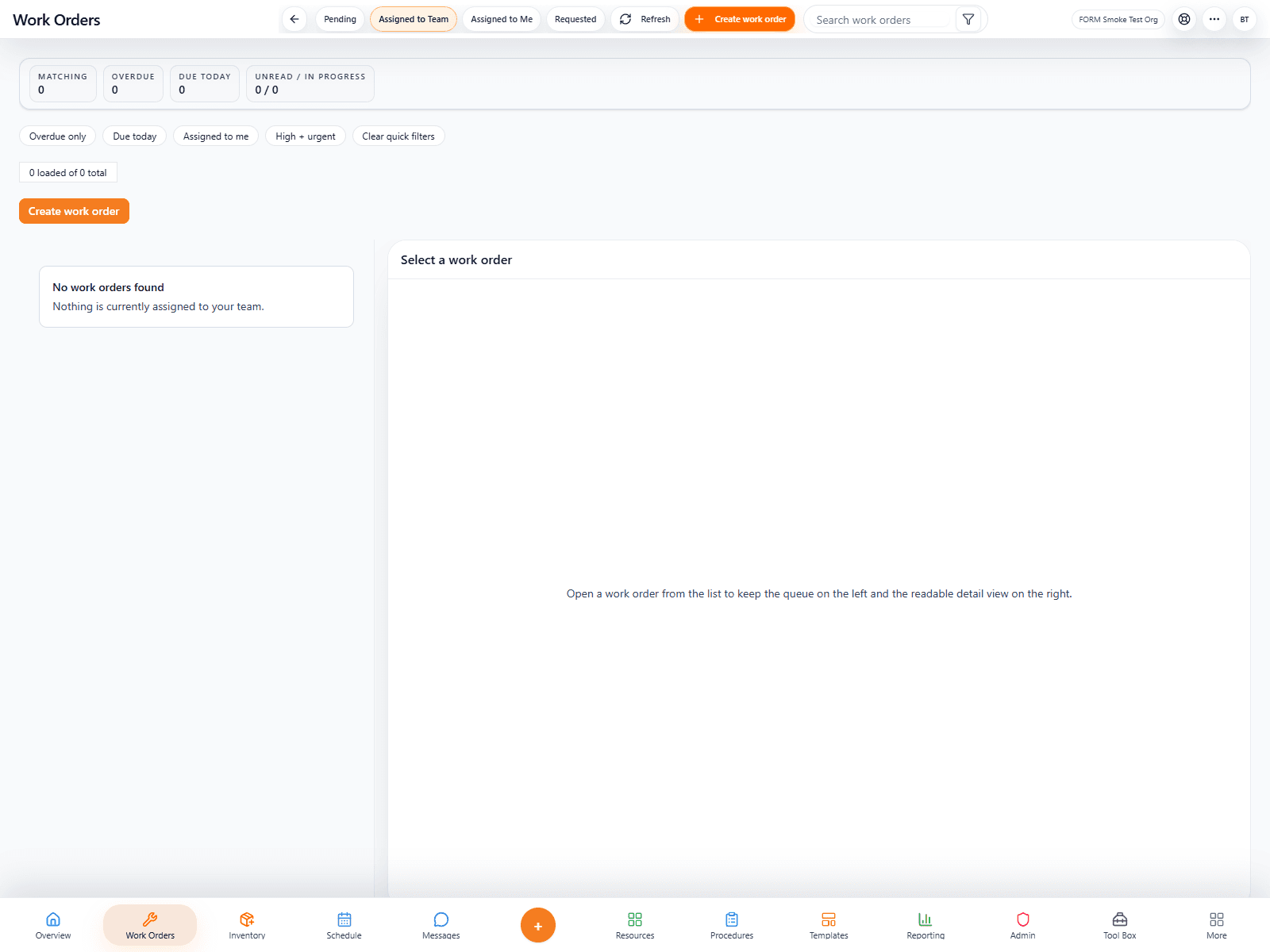
FORM Work Orders screenshot
Command surface

Work, labor, and communication stay connected.

Teams can manage work intake, staffing, communication, follow-through, and operational visibility without bouncing across disconnected systems.

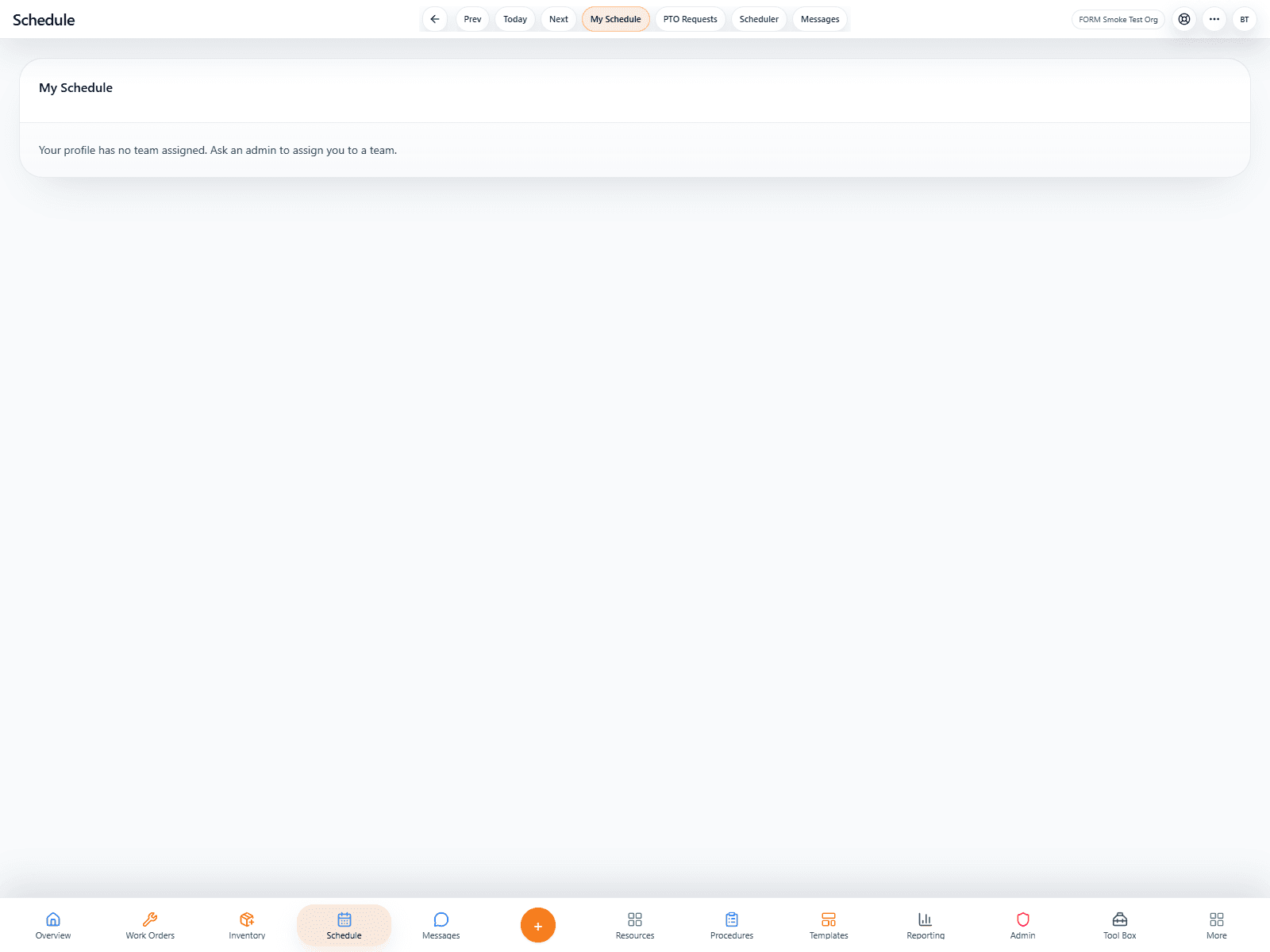
FORM Schedules viewer screenshot
Labor
Schedules are a real operating surface, not an afterthought. logo

Schedules are a real operating surface, not an afterthought.

FORM Schedule includes the live schedule viewer for everyday staff visibility and the full scheduler editor for managers building and publishing staffing plans.

FORM Site Map screenshot
Specialist depth
Advanced tools expand the ecosystem without breaking it apart. logo

Advanced tools expand the ecosystem without breaking it apart.

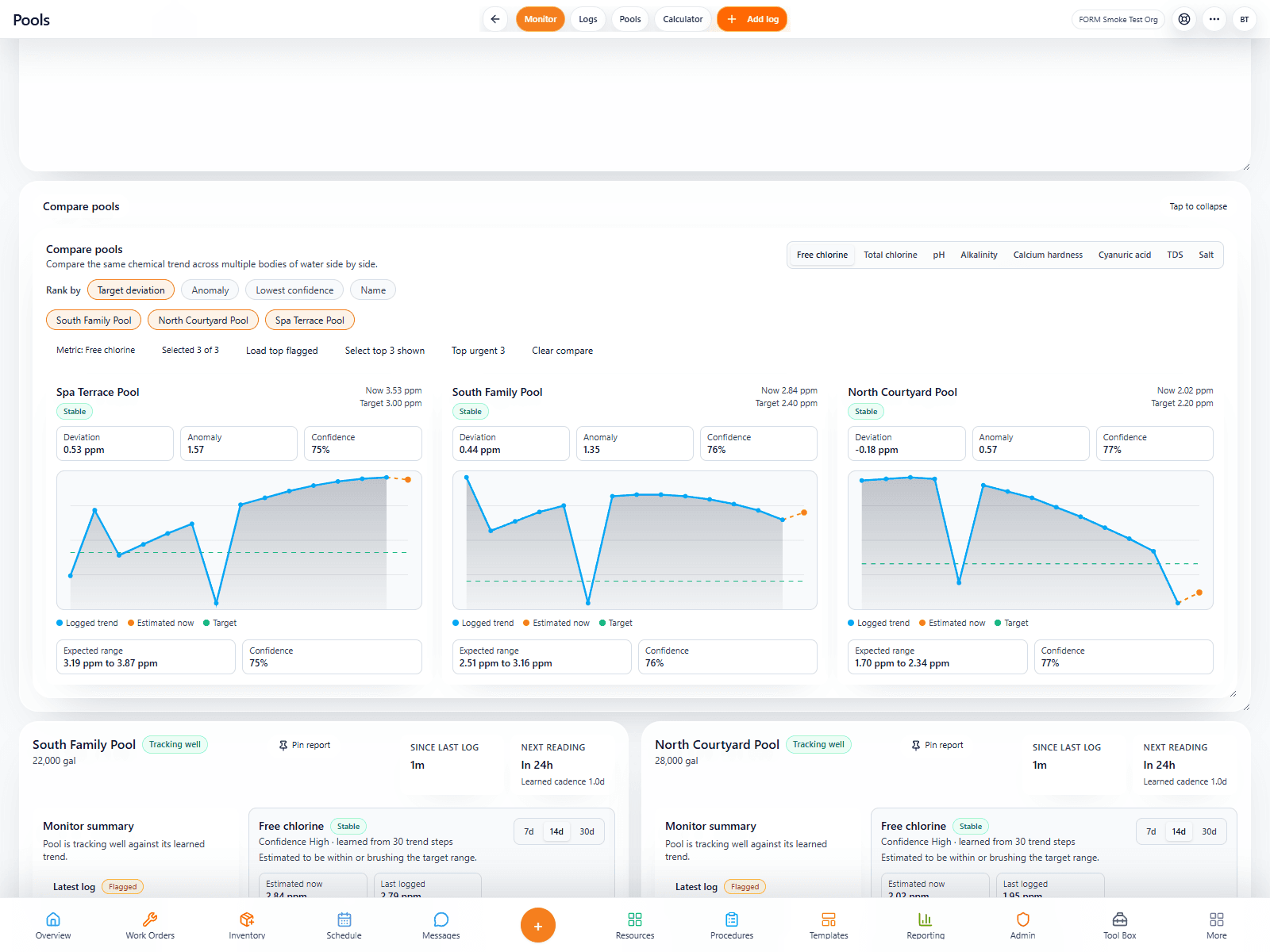
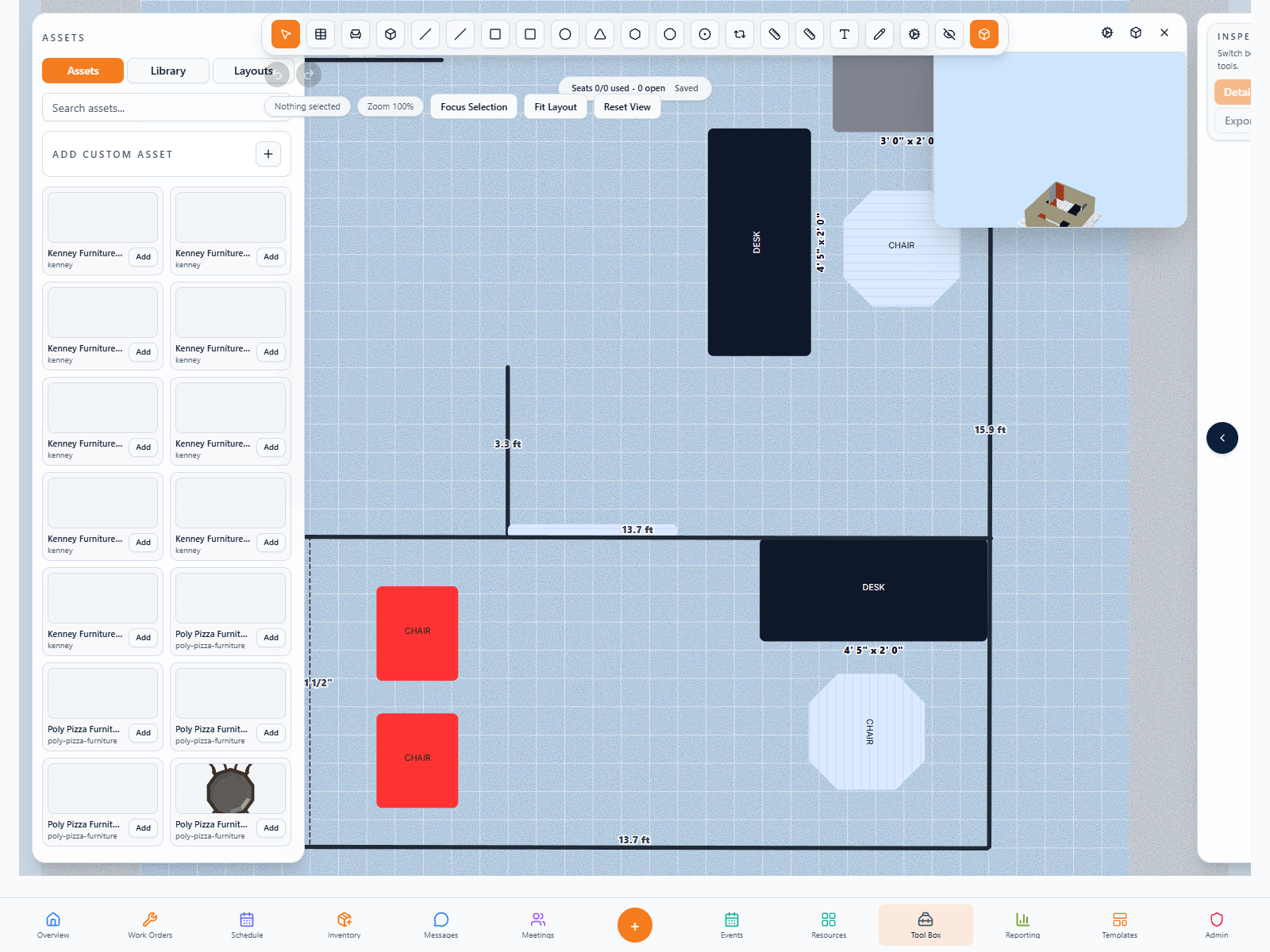
Pools, Layouts, Budgets, Site Map, Fleet, and future Dispatch bring deeper operational control while still living inside the same disciplined system.

Inside the platform
The flagship page shows the breadth of the system without losing clarity.
These are some of the product areas that make FORM feel like a serious operational platform instead of a single-purpose app.
How FORM grows

One platform. Clear upgrade paths. Focused tools when a workflow deserves its own shell.

The strength of FORM is not just that it has many tools. It is that the tools belong to one operational backbone and can be packaged intelligently for different types of customers.

Buy FORM when you want the connected operating system.
Add premium modules when the operation is ready for deeper specialist workflows.
Offer standalone apps when a single workflow becomes the product.
Platform core
FORM Work Orders screenshot
Why FORM is compelling

One backbone with multiple ways to adopt it.

FORM can start as the whole platform, deepen through modules, or serve as the technical core behind standalone apps. That flexibility is one of the product's strongest advantages.

Platform
01

Buy the whole operational system

Best for organizations that want a unified source of truth across work execution, labor, knowledge, communication, and specialist workflows.

One login and shared data model.
Fewer handoffs between disconnected apps.
A stronger long-term platform relationship.
Modules
02

Layer in specialist depth when ready

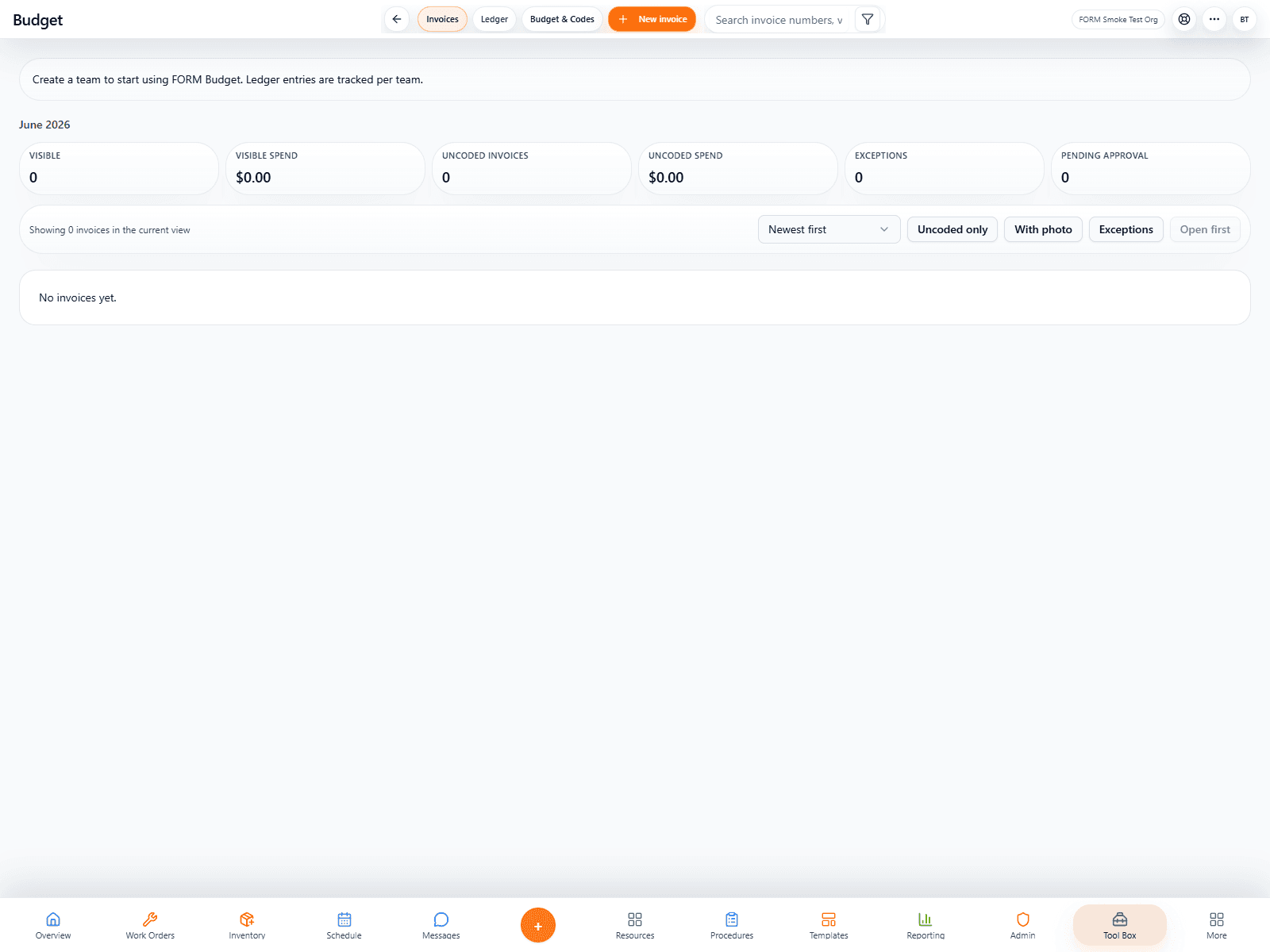
Add Budgets, Pools, Site Map, Fleet, or future tools without making the first rollout heavier than it needs to be.

Lets organizations grow more intentionally.
Keeps the initial sales story cleaner.
Preserves one ecosystem while expanding capability.
Standalone
03

Launch focused products from the same core

Some workflows deserve their own shell and their own brand while still staying tied to FORM's auth, intelligence, and operational backbone.

A cleaner buyer journey for single-workflow needs.
Shared ecosystem value without full platform complexity.
Makes the wider catalog feel deliberate and modern.
Product in action
5 live screens that show how this product actually feels in the field.
5 live screens
We are using captured app screens here so the page feels like a real product launch page, not a placeholder brochure.
Featured view
Work execution
Screen 01
FORM work orders list and workflow view
Labor visibility
02
FORM schedule viewer with timeline pills
Specialized tools
03
FORM Pools monitor and logs view
Visual planning
04
FORM Layouts planning and blueprint workspace
Budget intelligence
05
FORM Budgets and invoice ledger view
Why the public site matters

The website is part of the product experience now.

Before an organization signs up, buys a plan, or launches a trial, the website has to prove that FORM is coherent, modern, and thoughtfully designed.

Dedicated pages for each tool and each standalone app.
Clearer storytelling around AI, operations value, and workflow fit.
A visual system that can keep expanding as more products launch.
Platform depth
FORM Schedule viewer screenshot