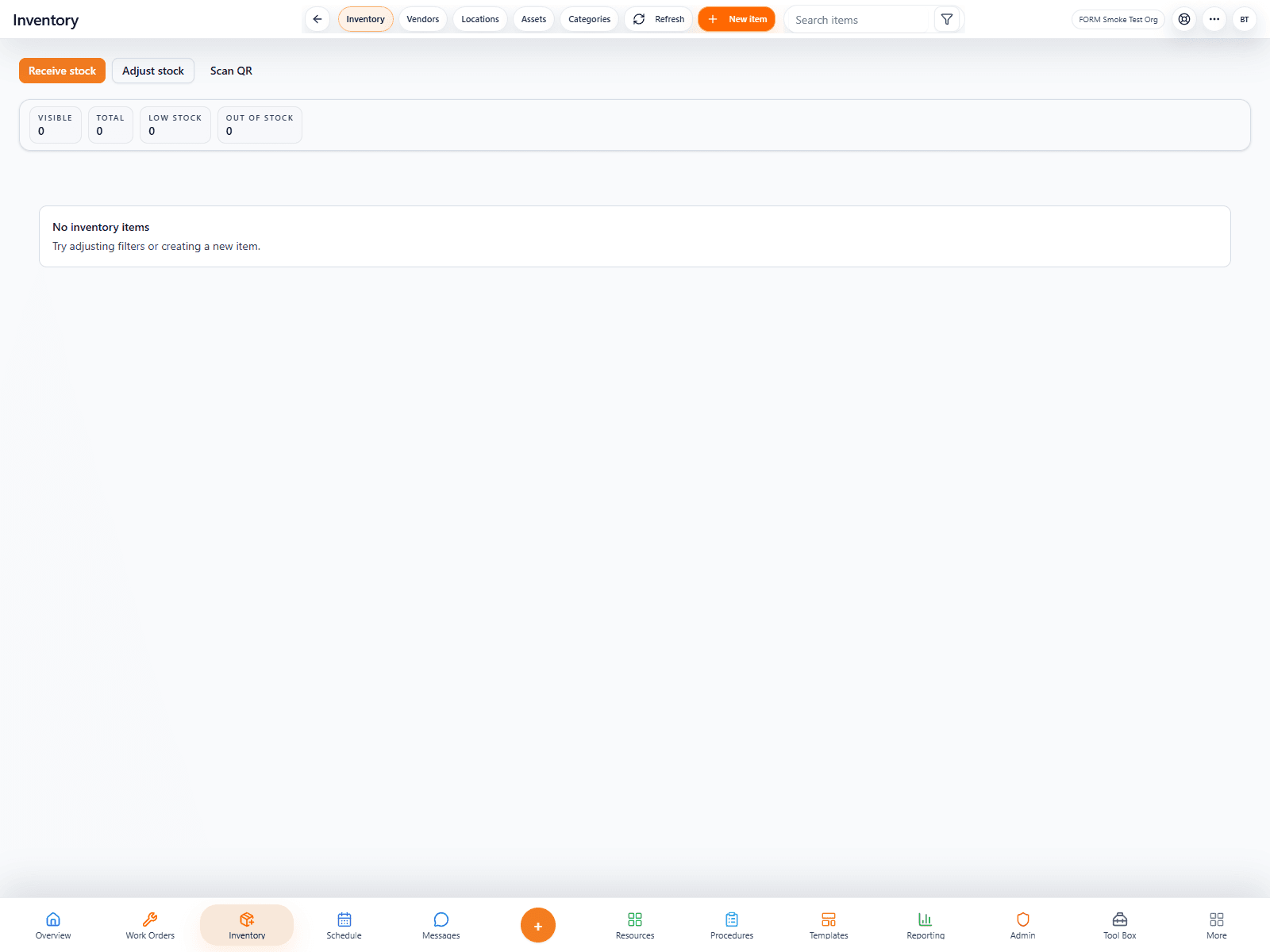
Primary surface
Inventory shown in its real operating context.
Inventory keeps parts, stock levels, item records, and operational supply visibility organized inside FORM.
A cleaner way to track items, parts, stock levels, and operational resources. FORM Inventory gives teams a way to track stock, parts, and item records without scattering inventory notes across work orders, texts, and paper logs. It is designed to support accountability and faster purchasing decisions.
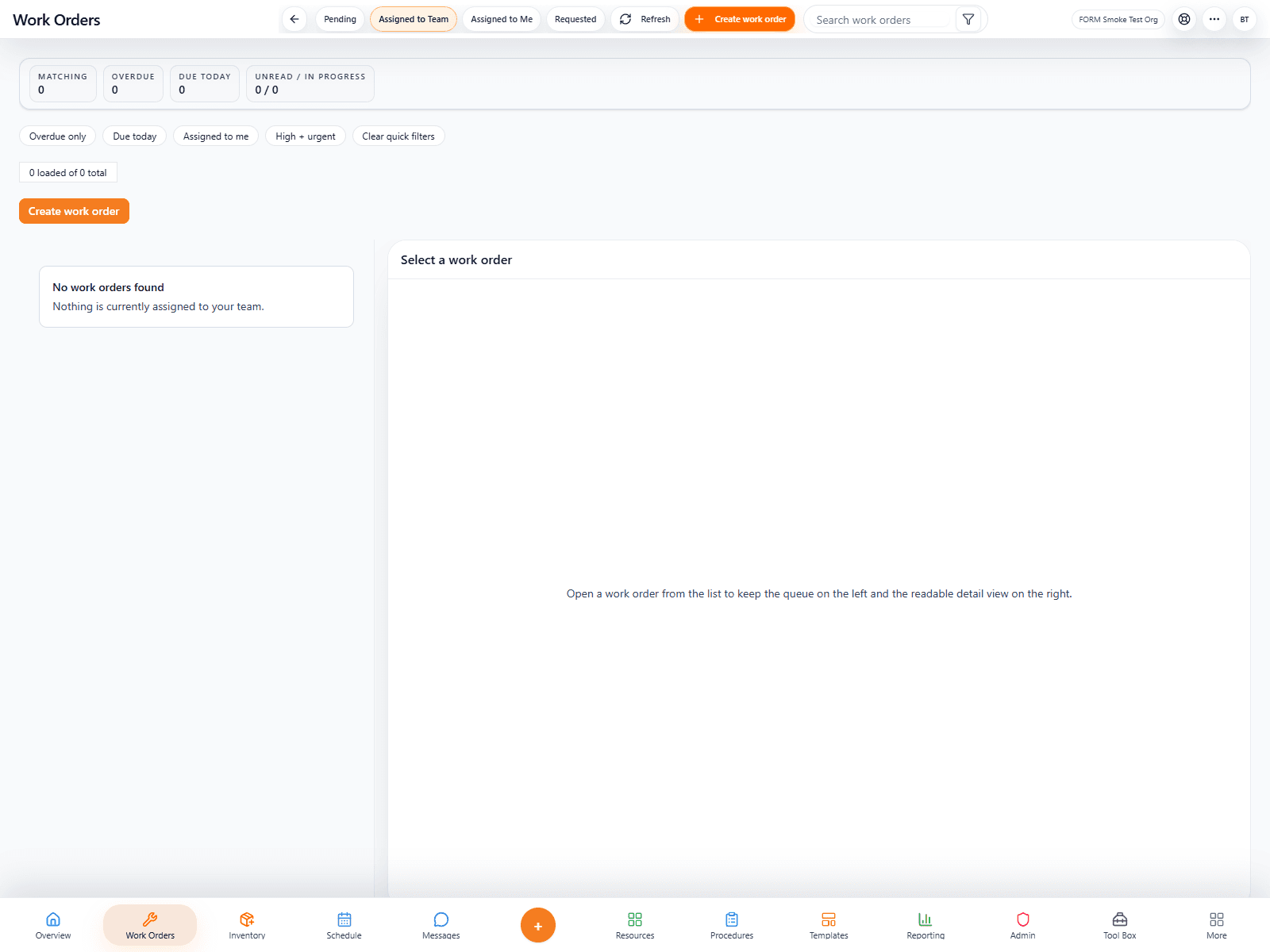
Inventory explains the job it handles, the workflow it supports, and the interface teams use.
Inventory keeps parts, stock levels, item records, and operational supply visibility organized inside FORM.
Running out of a needed part can stall work; this makes inventory visible before the shortage becomes a problem.
AI can spot low-stock patterns, help suggest reorders, and make inventory management less tedious.
FORM Inventory gives teams a way to track stock, parts, and item records without scattering inventory notes across work orders, texts, and paper logs. It is designed to support accountability and faster purchasing decisions.
This section explains who the product is for, what problem it solves, and how it fits into FORM.
FORM Inventory is used to track parts, quantities, item records, and stock conditions across the organization.
AI can spot low-stock patterns, help suggest reorders, and make inventory management less tedious.
This workflow can be the starting point, while pricing stays under the same FORM contract structure.
AI can spot low-stock patterns, help suggest reorders, and make inventory management less tedious.



If this workflow is part of a larger operation, FORM keeps it connected to the rest of the system under the same contract.