Blueprinting
Build clean room plans and working layouts quickly.
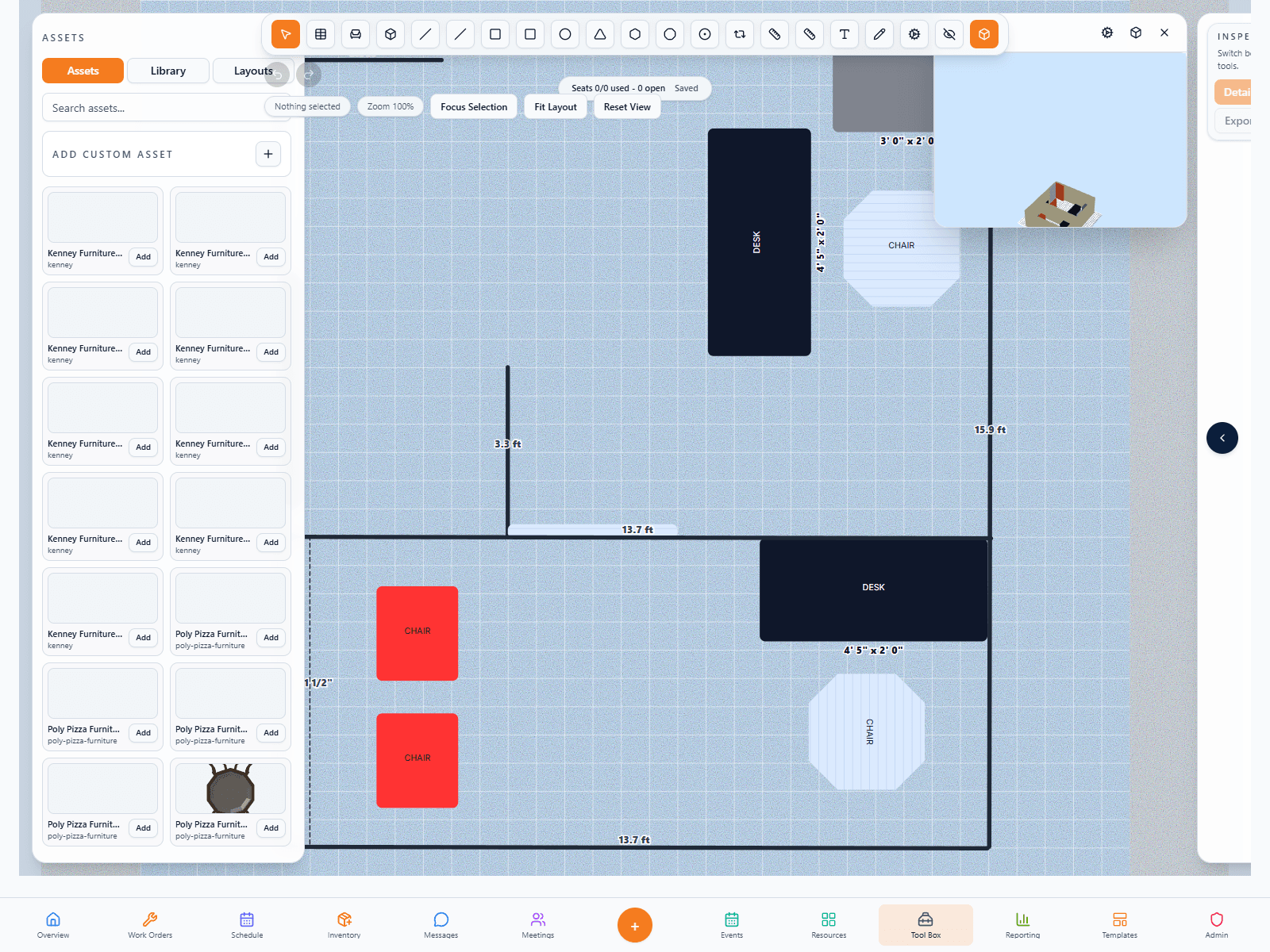
FORM Layouts supports room planning, object placement, measurements, and blueprint-style thinking without the overhead of traditional design software.
Rapid layout, blueprint, and operational space-planning tools for real-world teams. FORM Layouts is meant for users who need to build and manage layouts, markups, placements, measurements, and operational space plans without the overhead of the full FORM app. It keeps the visual precision and planning utility while reducing everything around it to a simpler product shell.

Layouts is built for teams that need speed, readability, and operational usefulness, not heavy CAD software and not rough sketches that disappear after the meeting.
FORM Layouts supports room planning, object placement, measurements, and blueprint-style thinking without the overhead of traditional design software.
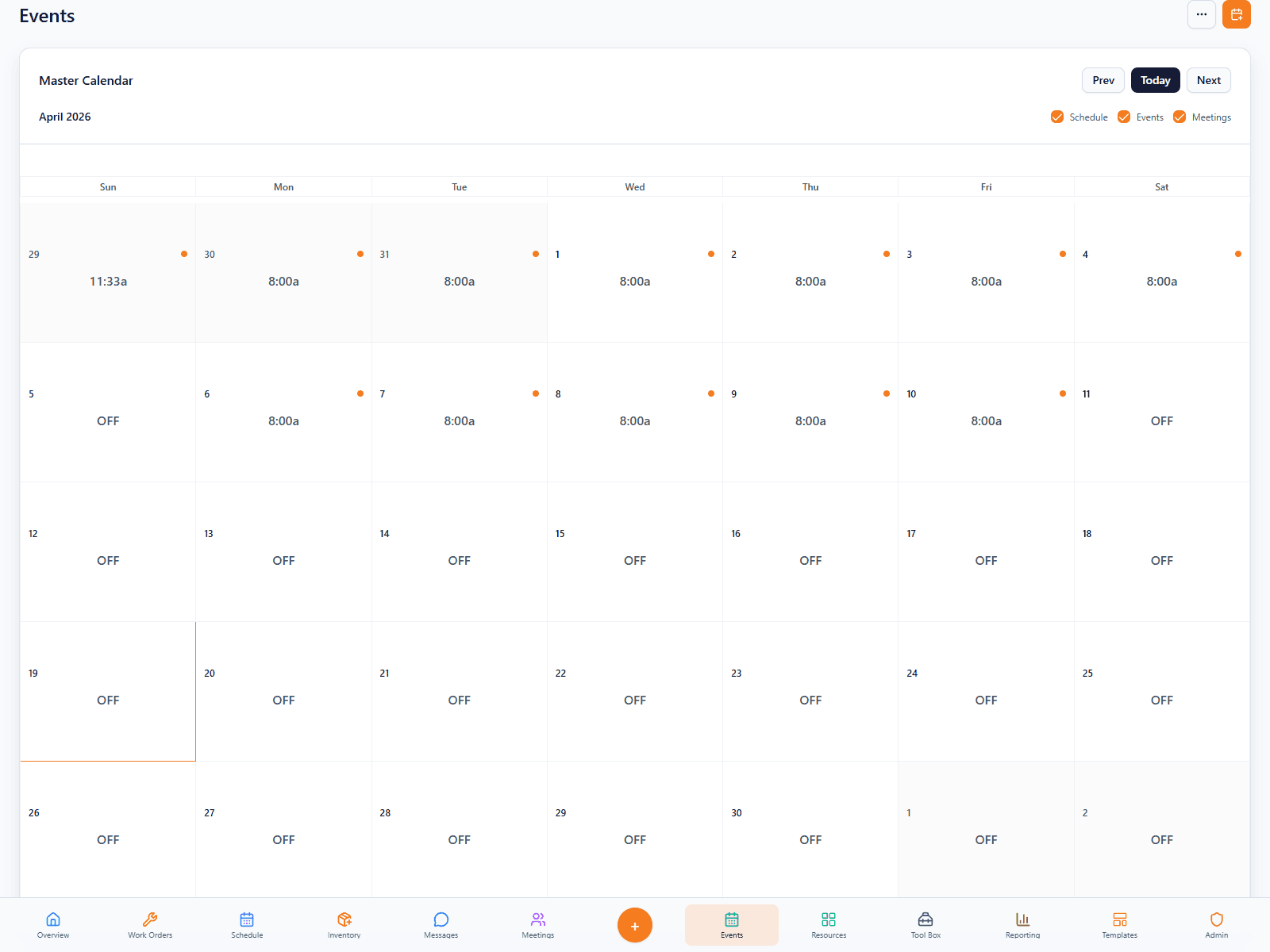
This is not just for one-time drawings. Teams can keep layouts as living references for room setups, event planning, site understanding, and ongoing space changes.
Collections help the standalone app feel cleaner for multi-space organizations that need multiple plans without losing structure.

FORM Layouts works well for event-heavy properties, managers coordinating spaces, and operators who need better spatial planning without drifting into heavy design software.
The product is a strong fit for clubs, venues, hospitality teams, and facilities groups that routinely need to explain or adjust space visually.
Event teams can build and revise room plans faster, then use the layout as the source of truth for setup work.
Facilities and operations teams can keep visual references for rooms, routes, and physical changes instead of relying on memory.
Collections make the app more practical for organizations that manage more than one building, venue, or operating area.
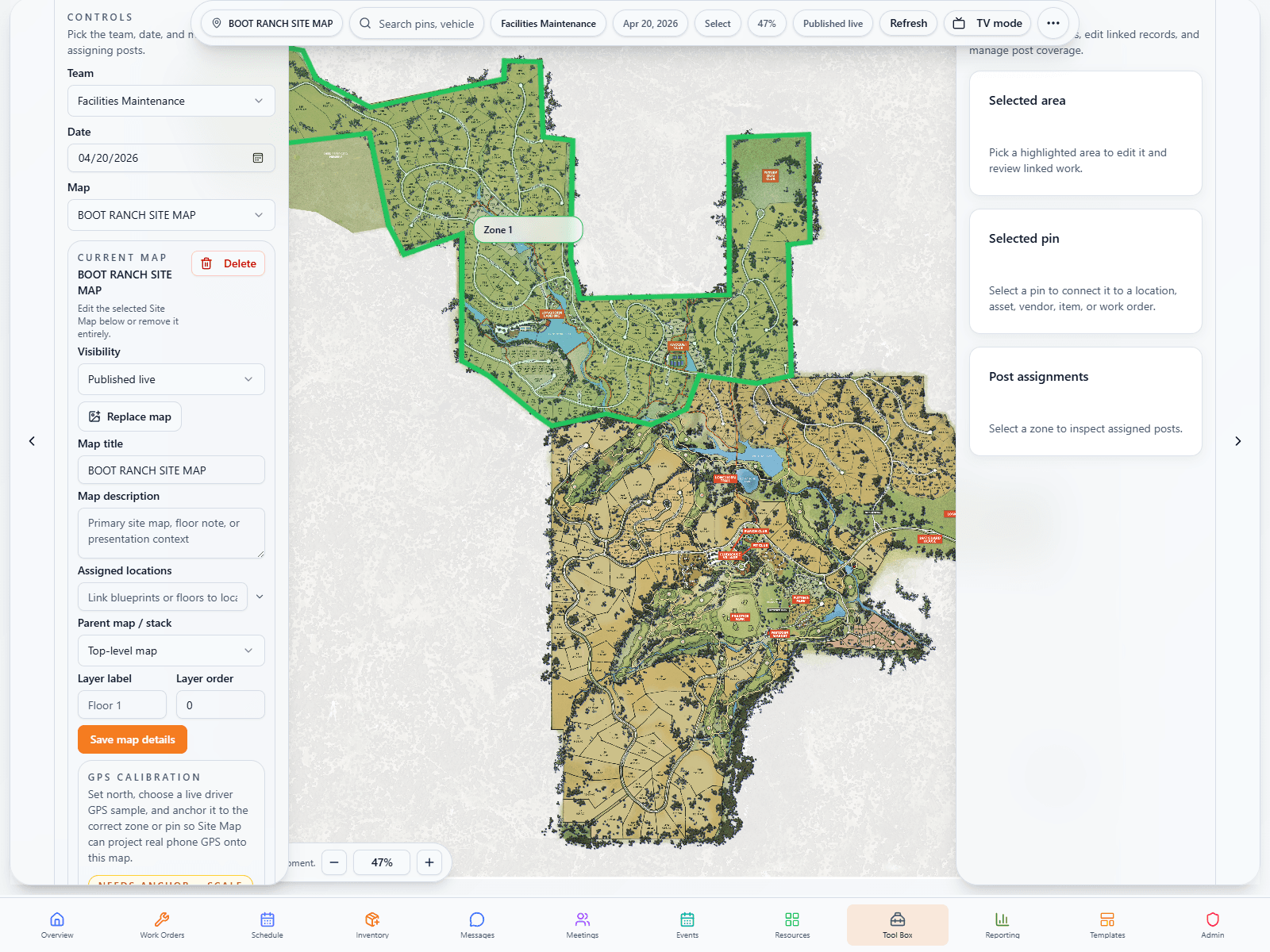
The long-term AI value here is not novelty. It is helping teams interpret layouts faster, connect them to wayfinding and site understanding, and use that spatial context more intelligently.



If this tool is part of a bigger operational vision, FORM remains the full platform path. That lets the customer start focused and expand later instead of replatforming.